Change your Profile Picture for the BXP World Tour
To celebrate the BXP World Tour we've created some profile pictures you can pick to show case your country on your profile.
How to set up your Profile Picture
Log in to your BBO account.
Click on “Account”, it’s located on the right side of the screen if you use a computer/laptop. If you’re using a tablet or phone, you’ll find it in the bottom-right corner.
Click on “Account Settings" and "Change Picture"
You will see a collection of stock pictures. Scroll through the options to find your favorite one.
Select the image you want by clicking on it. You might not see the change appear immediately in the “Your profile picture” area, but don’t worry it will change.
Your new profile picture is now set.
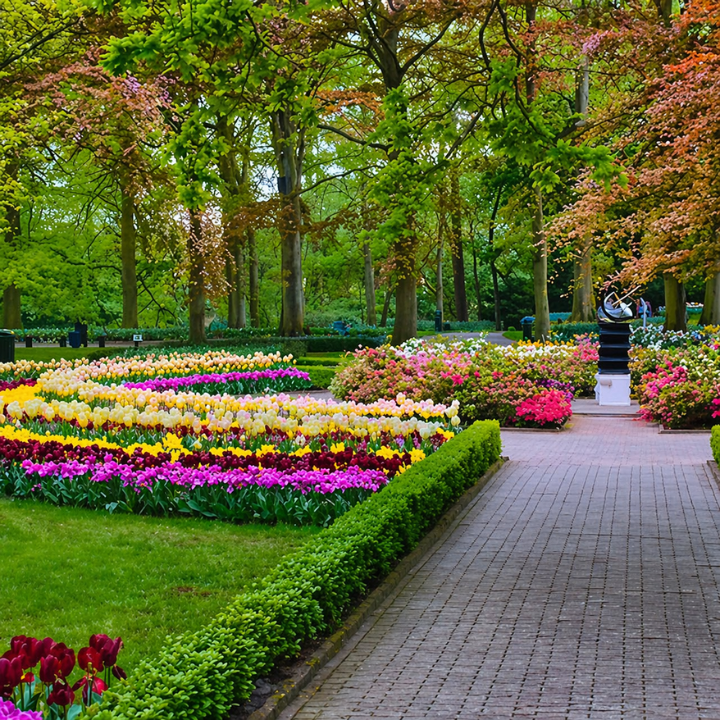
You can also download for personal use by clicking on the images below.
3 comments on “Change your Profile Picture for the BXP World Tour”
BBO'da turnuvalarda oynamaktan ben de çok mutluyum. Teşekkürler BBO
BBO'da turnuvalarda oynamaktan ben de çok mutluyum. Teşekkürler BBO.
I am very happy to play tournooien op BBO. Thank you BBO



BBO'da turnuvalarda oynamaktan ben de çok mutluyum. Teşekkürler BBO
BBO'da turnuvalarda oynamaktan ben de çok mutluyum. Teşekkürler BBO.
I am very happy to play tournooien op BBO. Thank you BBO