New BBO tournament list - step by step guide
Follow this simple guide to navigate BBO's new game list
To find a tournament, click 'Competitive' on the main menu.

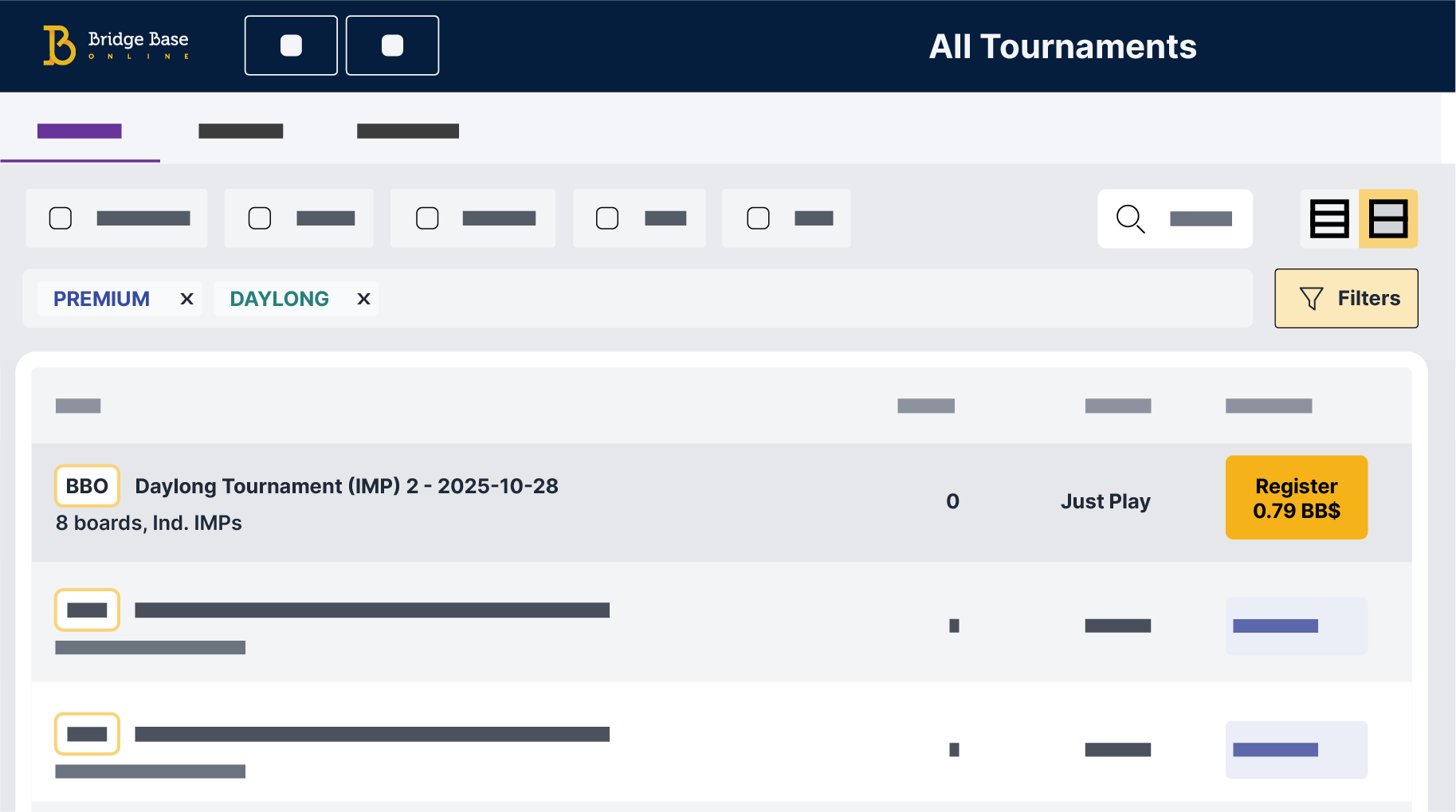
Click 'All Tournaments' to see the complete list.

There's a Compact View (left) or a Detailed View (right).


Filter for games that offer BXP, or other characteristics like Pairs, Robots or MP. Combine filters to zero in on your favorite games.

Clicking the Filters button will show additional filtering options.

Don't be afraid to click around and explore. If you want to remove a filter just click it again. Clicking 'Remove all filters' clears all filters:

Click 'Register' once you've found the game you want to join.